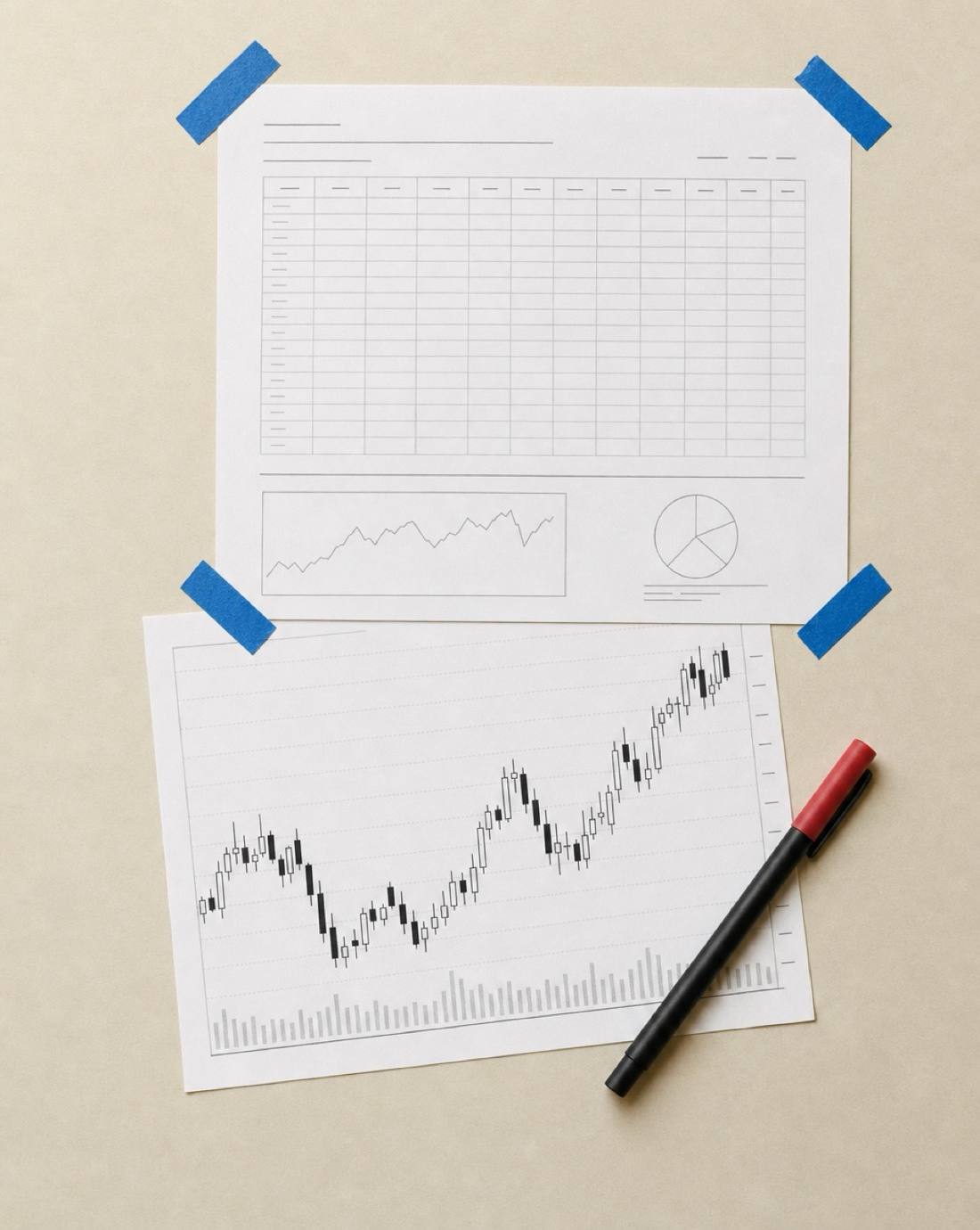
Format 1
Excel Trading Journal Template
An Excel trade log with filled rows
Organise your trading activity in a familiar spreadsheet.
Record trades, calculate performance metrics and customise your journal around the information you want to track.
Log the decision. Review the execution. Keep the lesson.
Sheets + ExcelZero signup
| Date | Symbol | R | Result |
|---|---|---|---|
| Apr 22 | ES | +1.8 | Win |
| Apr 23 | AAPL | +0.9 | Win |
| Apr 24 | NQ | -1.2 | Loss |
| Apr 25 | TSLA | +2.0 | Win |
| Apr 26 | GBPUSD | +1.1 | Win |
| Apr 29 | CL | -0.6 | Loss |
| Apr 30 | NVDA | +1.4 | Win |
R-multiple (per trade)
Rule adherence
Trades following your rules
6 of 7
Selected trade review
PlanExecuteReviewImprove
Same process.
Better trades.
Most traders can remember their biggest wins and most frustrating losses.
But remembering what happened isn’t the same as understanding why.
Without a structured trading journal, it’s difficult to see which setups perform differently, how your risk management affects your results or whether you’re consistently following your trading plan.
A trading journal template gives you a simple way to organise that information.
Record what you traded, why you entered, how you managed the position and what happened afterwards.
Turn individual trades into a record you can actually learn from.
Choose Your Preferred Format
Format 1
Organise your trading activity in a familiar spreadsheet.
Record trades, calculate performance metrics and customise your journal around the information you want to track.
Format 2
Keep your trading records accessible in a cloud-based spreadsheet.
Organise your trades, review your results and update your journal across compatible devices.
Format 3
Bring your trading records, setup notes and reviews together in a flexible workspace.
Understand How You Trade, Not Just What You Make.
A useful trading journal records both your financial results and the decisions behind them.
Whatever you trade, keeping consistent records gives you a clearer picture of your decisions.
Three Steps to Get More From Your Journal
Capture your trade details, planned risk and the reasoning behind your decisions.
Look at your win rate, average winning and losing trades, trading costs and performance across different setups.
Use your records to examine recurring mistakes, evaluate your rules and decide what to test or change.
A trading journal doesn’t guarantee better performance, but it gives you evidence to work from instead of relying on memory.
Start Making Sense of Your Trading
Your trades contain valuable information about your decisions, risk and results.
Give yourself a structured way to capture it, review it and make more informed decisions about your trading process.